7 Birthday Photo Activities for Kids: Quizzes, Stories and Puzzles
The cake is gone, the decorations are down, and the birthday photos are still on your phone. Before you file them away, let your child use one or two pictures to start a game or conversation. Here are seven easy ways.
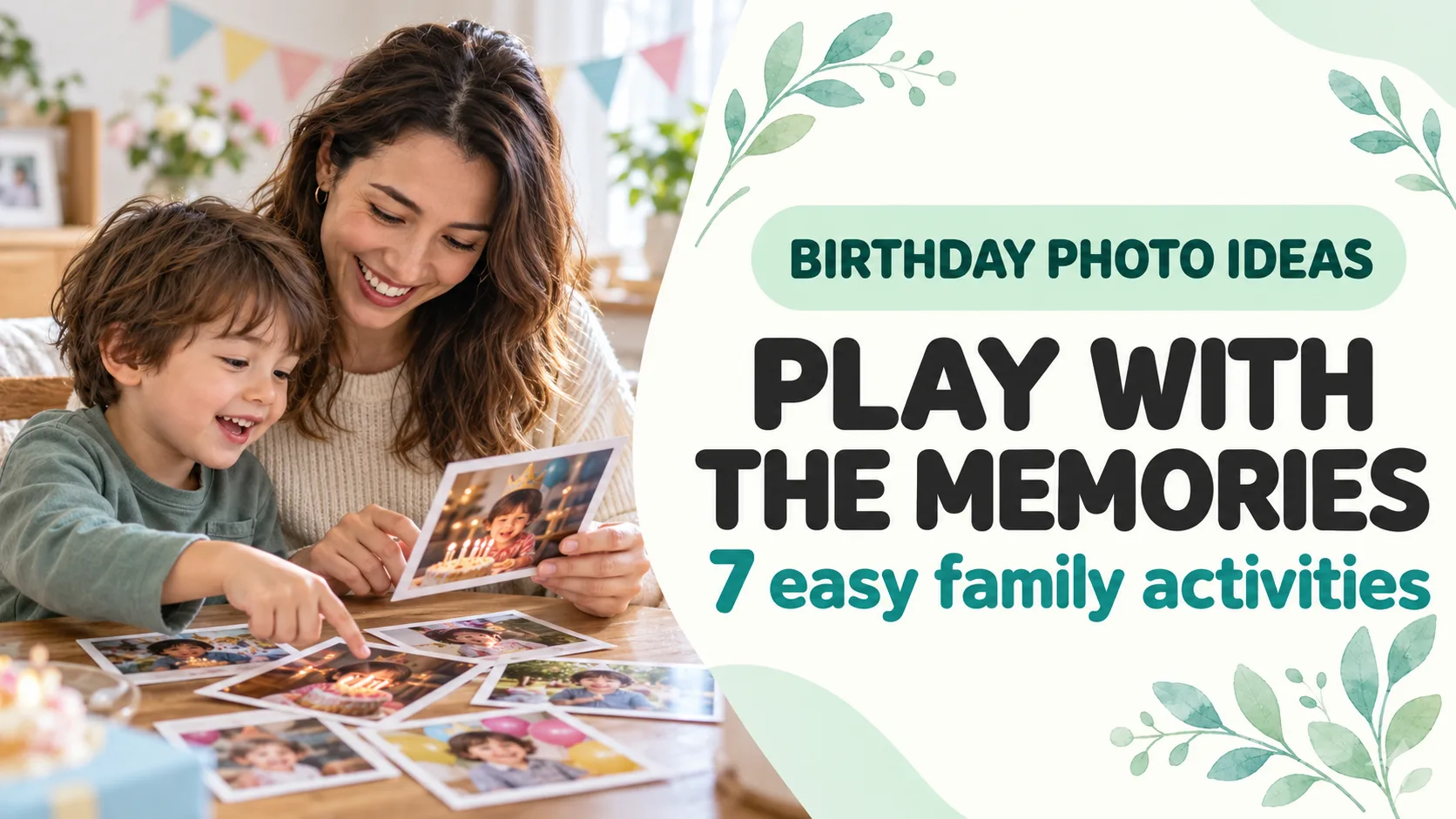
Published and information checked: . Written by 39Kids, the developer of PhotoPuzzle. The cover is an AI-generated scene, not a real family photo or app screenshot.
Birthday pictures can be something you do together, not only something you save. Even one image can start a quiz, story or puzzle.
This guide is about playing with photos from a birthday after the celebration. For ideas that use everyday pictures across the years, see our family growth-photo guide.
Start with one to three photos your child wants to see
You do not need to organize a whole camera roll first. Offer a picture of the cake, decorations or people and let your child choose. If they dislike one image or simply do not want to revisit it, pick another.
- First: a recent birthday photo your child chooses.
- Second: if available, one from an earlier birthday for comparison.
- Third: a cake or decoration photo works even without faces.
Instead of testing whether a child remembers their age, ask what catches their eye. If they do not remember the day, you can tell the story.
Seven ways to play with birthday photos
1. Put birthdays in order
Mix two or three birthday pictures and guess which came first. Use clothing or decorations as clues. The fun is in noticing details together, not getting a date right.
2. Spot what changed
Place last year’s and this year’s photos side by side. Look for a new favorite color, a different cake or a family member who joined the picture. Growth is more than height.
3. Play a close-up guessing game
Zoom in on the edge of a cake or a piece of bunting and ask, “Which birthday was this?” Let your child become the quiz host if they would rather ask than answer.
4. Interview someone in the photo
Ask a relative, “What was the funniest thing that happened that day?” Their answer adds a story outside the camera frame. A call or a conversation at the next visit is enough.
5. Make a four-piece photo puzzle
With PhotoPuzzle, choose one picture stored on your device and start with four pieces. The child picks the photo, an adult can help with controls, and afterward you can talk about the day. A harder puzzle is not the goal.
6. Make a “next birthday” wish card
Look at this year’s photo and draw or write one thing your child would like next time—a blue balloon, for example. Revisit the card with the new pictures a year later.
7. Hold a tiny family photo exhibition
Let your child select one picture for a shelf or fridge for a while. If they prefer not to display it, a private album on your device works too. Ask before displaying a sibling’s image.
Only one photo? You still have three games
| Activity | Try saying | What you need |
|---|---|---|
| Photo talk | “Who was there?” | One photo |
| Close-up quiz | “What is this color from?” | Zoom on the photo |
| Photo puzzle | “Which pieces connect?” | Photo and app |
There is no need for matching yearly portraits. Try a timeline only if you have enough photos later.
Saving a picture and sharing it are different decisions
Looking together on your own device is not the same as posting to social media. UNICEF’s guidance on sharing children’s photos asks families to consider the audience, identifying details such as a location or school logo, and whether a child could be uncomfortable with the image later. Check how your child and anyone else pictured feels before forwarding a birthday image.
PhotoPuzzle is developed by 39Kids. Its App Store and Google Play descriptions, checked November 1, 2026, say selected photos are processed on the device and not uploaded by the app. Device cloud sync and any sharing you do yourself are separate matters. See our photo-app privacy guide for those checks.
Birthday photo activities: frequently asked questions
I only have one birthday photo. Is that enough?
Yes. Ask who or what is in it, play a close-up guessing game, or make a simple four-piece puzzle. You can save a year-by-year comparison for later.
What if my child does not want to look at an old picture?
Do not force a memory game. Let your child choose a different photo, including a cake or decoration without a face, or try another activity that day.
Can I use birthday pictures of two siblings together?
Give each child a chance to choose a picture and a turn to lead. Avoid making only one child the star of every game, and respect a child who does not want a particular image used.
Do I have to print the photo to make a puzzle?
You can make a paper puzzle, but a photo-puzzle app can use a picture already on your device. Simply looking at the photo and talking about it is also a complete activity.
What should I check before sending birthday photos to family?
Consider how the child and anyone else pictured feels, who will receive the image, whether it might be forwarded, and whether it shows a location or school detail. Looking at a photo at home is different from posting it online.
Takeaway: turn one birthday picture into a conversation
Let your child choose one photo, then talk about what they notice, remember or hope to do next time. A quiz or puzzle can extend the conversation, but the picture does not have to leave your family to become meaningful.
PhotoPuzzle
Turn one favorite birthday photo into a four-piece family game. Free for iPhone, iPad and Android.