8 Ways to Use Your Child’s Growth Photos for Family Play
Those baby-to-now photos on your phone can be more than an unfinished album. Pick just three and turn them into conversations, little games and shared memories. Here are eight easy ways to begin.
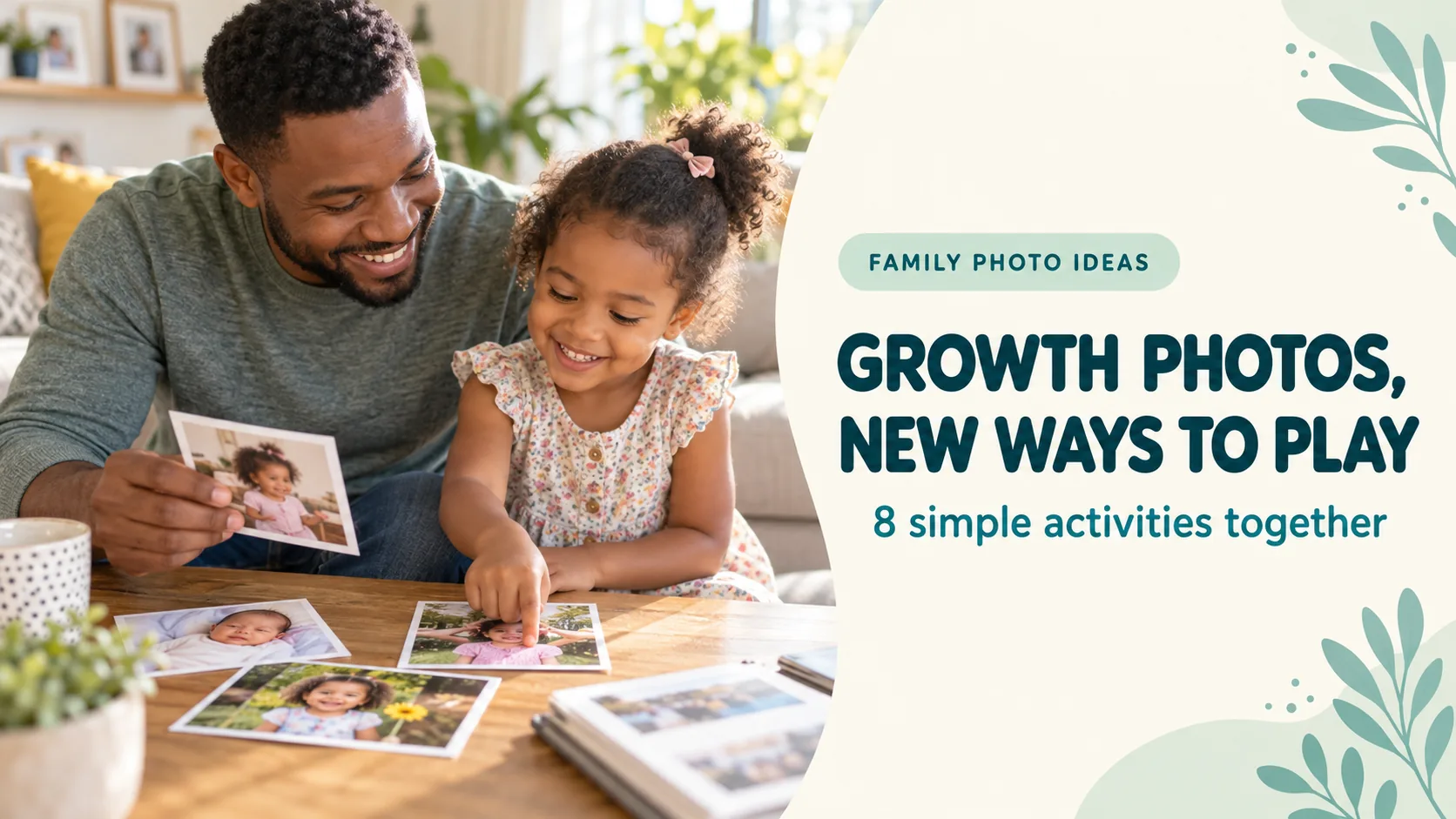
Published and information checked: . Written by 39Kids, the developer of PhotoPuzzle. App availability and pricing may change; check the stores before installing. The cover is an AI-generated illustration, not an app screenshot.
Start with only three pictures: one from babyhood, one from a little while ago and one from recently. “Do you still like the toy in this photo?” is enough to begin a conversation. The rest of your camera roll can wait.
This guide is about what to do with photos you already have. For app, DIY and printed-puzzle options, see ways to turn a photo into a puzzle. If your pictures are in a shared album, our FamilyAlbum guide covers saving one to your device.
Begin with a baby photo, a middle photo and a recent one
An adult can narrow the choices to three and ask, “Which one should we look at first?” Check the dates yourself, but do not rush the child toward a right answer. Pictures of a favorite toy, drawing or pet work if you would rather not use faces.
- One photo: Find a color or object and ask about the day.
- Two photos: Notice one thing that changed and one thing that stayed.
- Three photos: Put them in order and tell a short story between them.
A child may not remember babyhood. Try “Those were your yellow boots. Which color do you like now?” A small story is more inviting than a memory test.
Choose photos with visible clues, not just perfect poses
The same playground or teddy bear in two pictures gives you something familiar to compare. On a phone screen, choose a picture where the main subject is easy to see. A photo your child loves matters more than a technically perfect one.
| Activity | Useful picture |
|---|---|
| Put them in order | Three photos with differences in clothes, hair or height |
| Then and now | Two photos with the same place, toy or relative |
| Photo puzzle | One image with a large subject and distinct colors or shapes |
Try asking your child, “Would you like to look at this one?” before you begin. If friends or relatives appear, consider their wishes too. Enjoying a photo privately is not the same as permission to post it publicly.
Eight simple ways to play with childhood growth photos
1. Put three moments in order
Show your child three pictures and ask, “Which one came first?” Clothes, a background or a favorite toy may offer clues. Check the dates together afterward; a wrong guess can still lead to a good story.
2. Find what stayed the same
Compare two photos from the same park or with the same stuffed animal. Ask, “Do you still like this slide?” The interesting answer may be about a changed favorite, not a change in appearance.
3. Hunt for one small detail
Enlarge one photo and ask, “Can you find the yellow boots?” Once found, let your child choose the next thing to look for. One question is enough for a short break.
4. Find the real object from an old picture
If a book or toy appears in the photo, look for it at home. If it is gone, ask what your child likes to play with now. You do not need to have kept every old object for the conversation to work.
5. Let your child name the picture
“Blue boots on a rainy day” is plenty. Write down your child’s own words if you wish, rather than polishing them into an adult caption. Saying the title aloud is enough if saving it feels like another chore.
6. Turn a favorite shot into a four-piece puzzle
Choose one photo with a clear subject in PhotoPuzzle and start with four pieces. Take turns finding visual clues. Afterward, ask whether your child wants another round before increasing the piece count. Our PhotoPuzzle how-to guide shows the controls.
7. Ask for the story outside the frame
A grandparent or caregiver may remember what happened just before or after the picture. Save the question for your next visit, or share privately after checking the wishes of everyone pictured.
8. Take one “now” photo in the same place
Revisit a park or sit with the same toy for a new shot. There is no need to copy the old pose. Put the two pictures side by side and let your child name one thing that feels new or familiar.
Pick a conversation for a short moment, a puzzle for longer play
For a child who prefers pointing to talking, offer two photos and ask which one they like. A child eager to tell stories might enjoy “What happened next?” If you have only a few minutes, try one detail hunt; at home, put three pictures in order or make a puzzle. Follow interest rather than a strict age target. For puzzle difficulty, see our guide to choosing piece counts.
Keep originals safe and decide who may see them
Do not delete the original file while trying a new activity. Check your backup and experiment with a copy if needed. Before posting a child’s photo, consider the child’s wishes, other people pictured, visible school details and location clues. UNICEF’s guidance on sharing children’s photos offers more questions to ask.
App photo permissions, an app’s own data handling and your phone’s cloud sync are different things. Our children’s photo privacy guide walks through those checks.
Growth-photo activities: frequently asked questions
We have too many photos. Where should I start?
Search your photo app for one place or occasion, then pick a baby photo, one from a little while ago and one recent photo. You do not need to organize every month or finish an album first.
What if my child does not want to look at old pictures?
Do not insist. Try a current favorite toy or pet photo instead, and stop if your child says no. The activity can wait for another day.
Is it safe to use a photo of my child in an app?
Check each app’s photo permissions and data practices. PhotoPuzzle’s store descriptions say selected photos are processed on the device and are not uploaded by the app. Your phone’s cloud sync and any sharing you choose to do are separate. A toy photo is an option if you prefer not to use a face.
Do we have to print the photos?
No. You can compare and talk about photos in the device’s photo app. Print only if your family wants a physical keepsake and the people pictured are comfortable with it.
How many puzzle pieces should we try?
A clear photo with a large subject can work well with four pieces to start. Offer more if your child wants another round. Adjust to the picture and your child’s interest, not a fixed age rule.
Takeaway: choose three pictures and ask one question
You can start with an easy comparison, a tiny quiz or a story. If your child wants more, turn a favorite shot into a puzzle. If today is not the day for old photos, simply save the idea for later.
PhotoPuzzle
Play with a favorite family photo from four pieces. Available free on iPhone, iPad and Android.