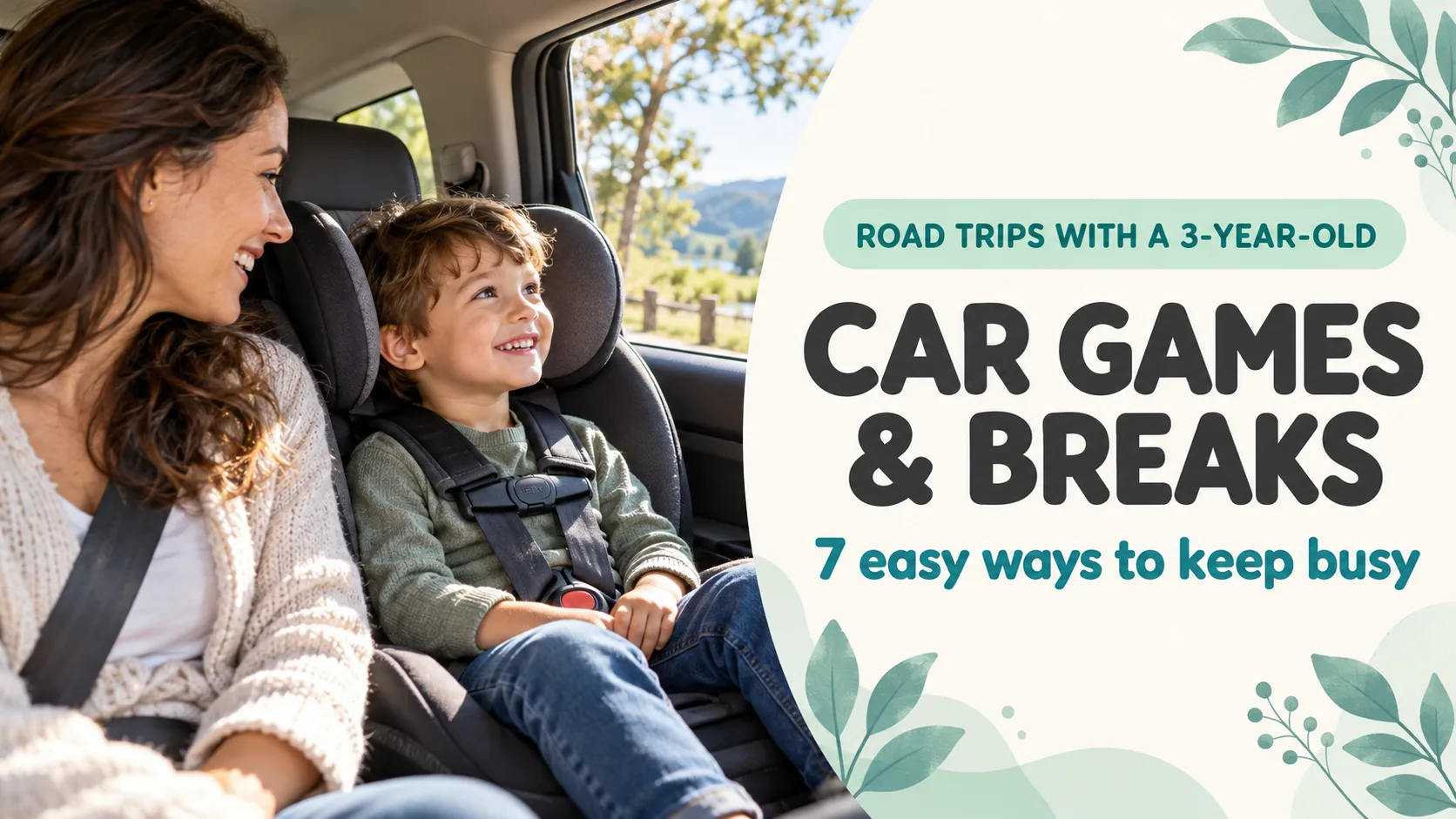
Road Trip Activities for a 3-Year-Old: 7 Car Games and a Break Plan
Use songs, stories and the view while the car moves; save a photo puzzle for a parked break. Seven low-prep ideas.
Blog
Parent-friendly guides on choosing puzzle apps for kids, understanding their learning benefits, and using them safely.
24 articles
Use songs, stories and the view while the car moves; save a photo puzzle for a parked break. Seven low-prep ideas.

A phone does not have to be the whole activity. Five practical ways to share a short screen moment and move on.

A few familiar photos can bring three generations into one game. Nine low-prep ideas for a cozy New Year gathering.

Let your child choose, talk about and play with preschool milestone photos. Seven ideas that work with one picture or a pair.
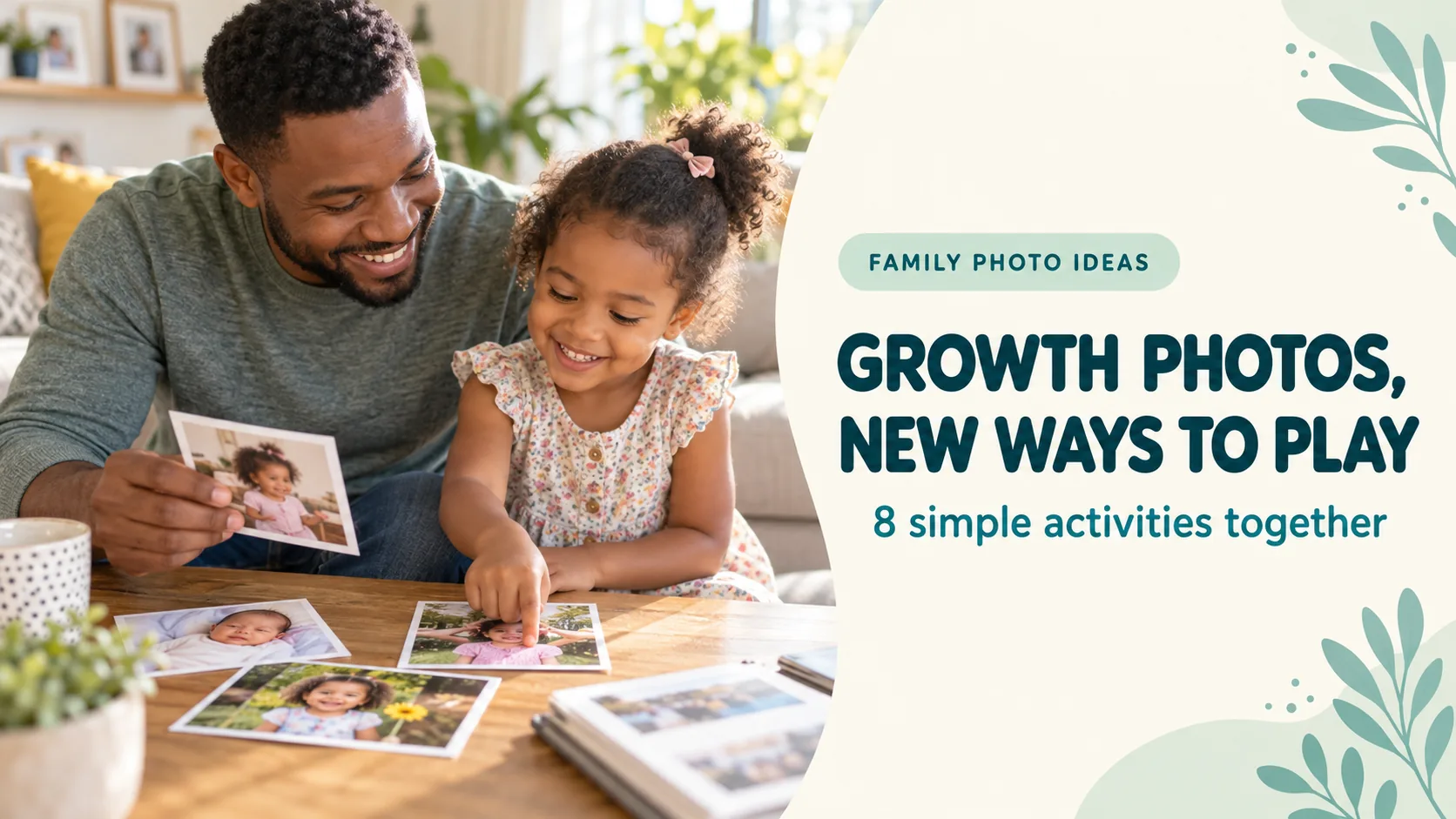
You do not need to organize every photo. Choose three, then try eight easy ways to talk, compare and play together.
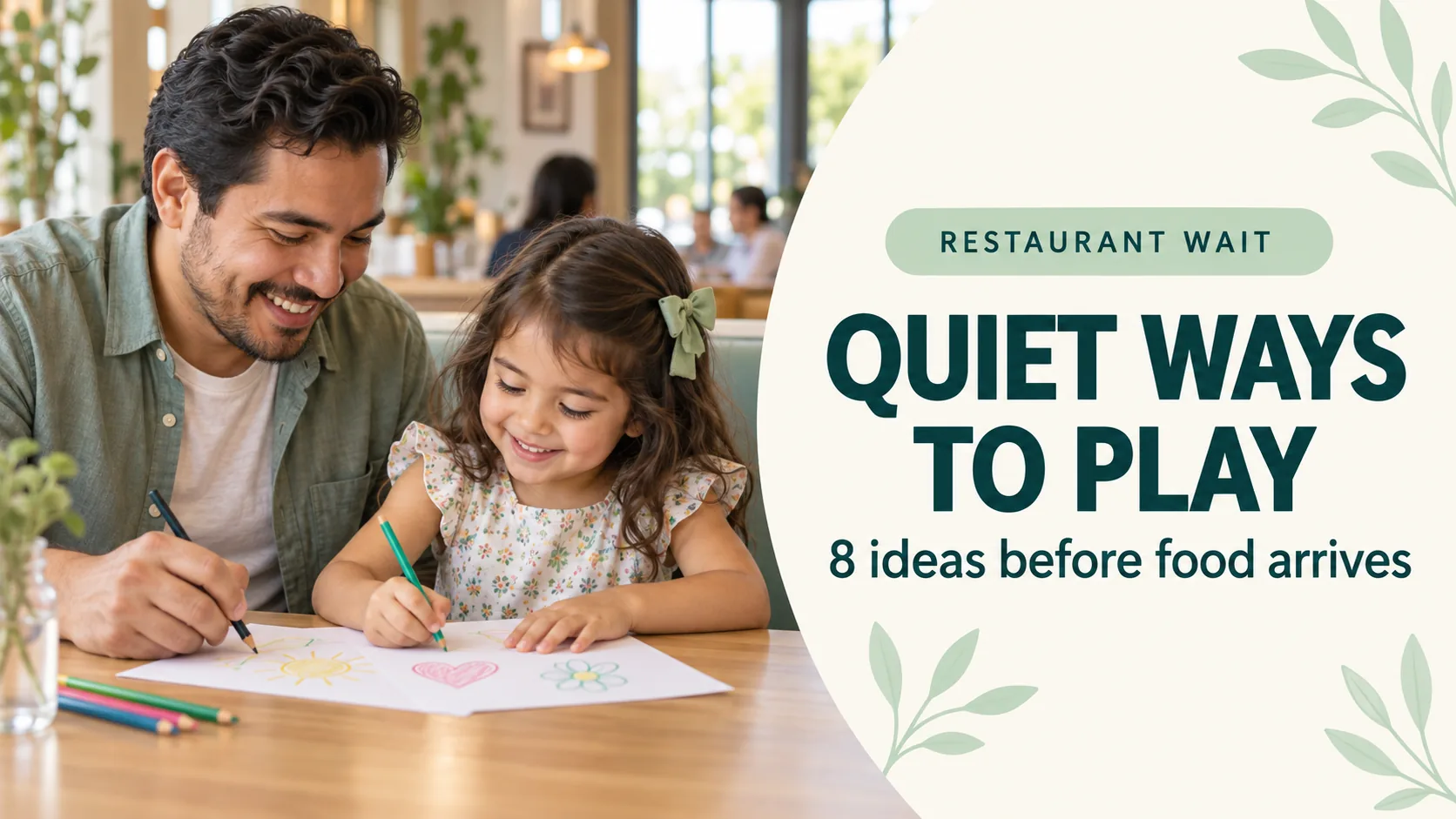
Eight quiet activities you can start at the table and stop when the meal arrives—without a bag full of supplies.
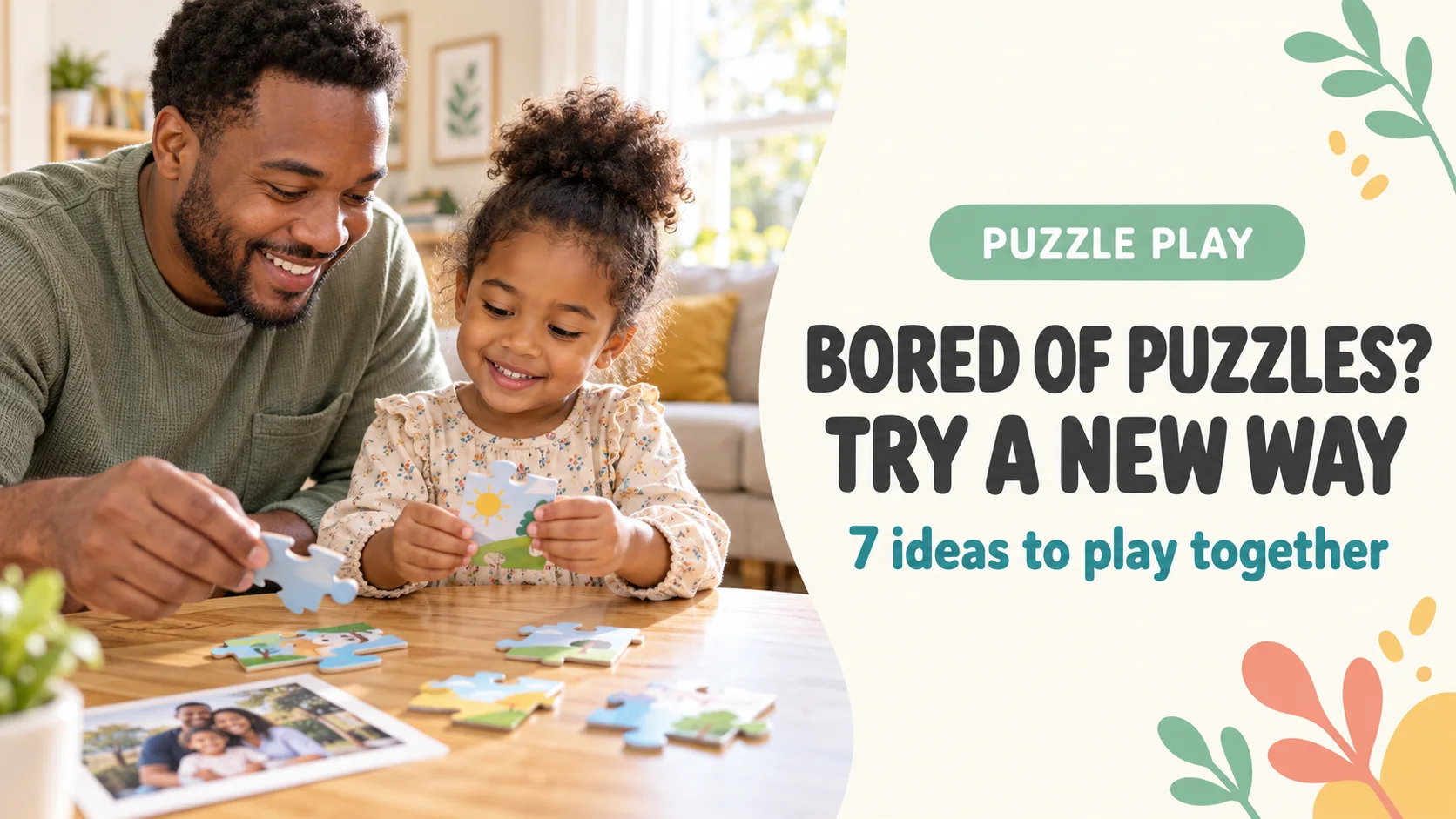
A child can complete a puzzle and still be done with it. Try seven gentle ways to invite another round without pressure.
Turn last year’s Christmas photo into this year’s family play: one photo, a gentle puzzle and a few questions to share.
Choose one memory from FamilyAlbum, save it to your device, and turn it into a four-piece puzzle to enjoy together.

Sharing your phone with a child? Practice starting and ending a one-app session on iPhone or Android, and check purchases and photos separately.

Free to download does not explain ads, purchases or outside links. Use seven practical checks before choosing an app for your child.
Make a long wait easier with seven quiet activities using no supplies, a slim activity book or a prepared photo puzzle.
Product age labels are a starting point, not a test. Compare piece-count examples and find practical ways to adjust a puzzle to your child’s experience.

Pick a photo and start with four pieces. Learn both puzzle modes, what the buttons do, how to adjust difficulty and how to prepare for offline play.
Choosing a photo, processing it in an app, backing it up and sharing it are separate steps. Here is what parents can check before using family photos.

Nine pictured preschool game apps compared by actual free access, ads, purchases, platform and learning focus.

Choose seven Shichi-Go-San favorites, then turn them into stories, questions, a photo puzzle, a family update and a small keepsake.

Pick seven favorites, turn them into family activities, verify a backup, then preserve and share only what matters.
Build a visible ending instead of banning every video overnight, using current YouTube Kids controls and the AAP’s 2026 whole-environment approach.
Even the day before, one family photo can become a personal activity. Use the preparation checklist, start with four pieces, and share it in person or over a video call.
Skip rigid piece-count milestones. Identify the sticking point, build success from four pieces, and record useful observations if concern continues.
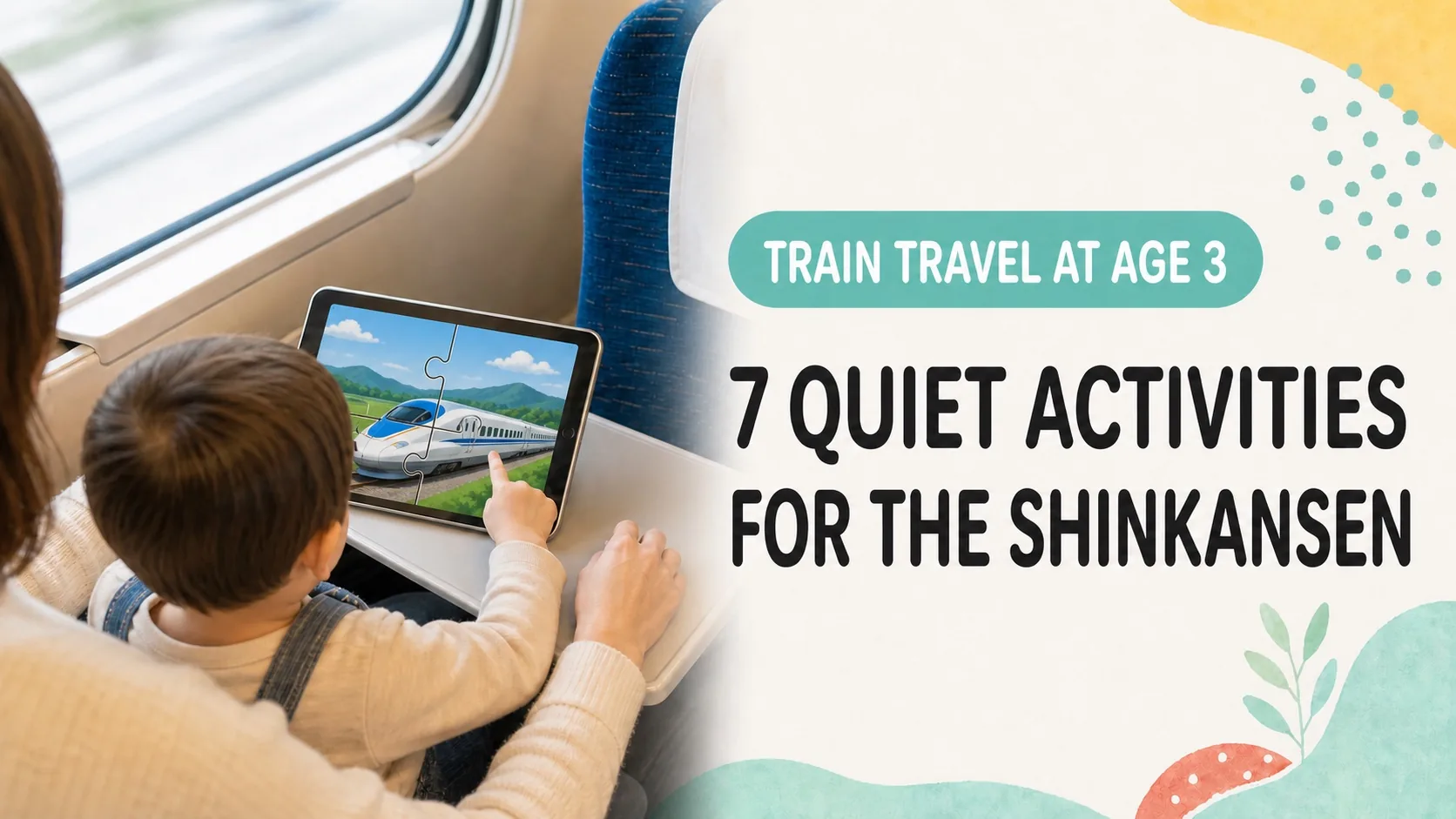
Seven quiet Shinkansen activities that avoid sound, mobile data, and extra luggage — plus packing, seating, ticket and phone checks for family travel in Japan.

Compare three ways to turn a family photo into a puzzle. Learn the free-app steps, how to check photo permissions and privacy, and seven play ideas for ages 3–9.
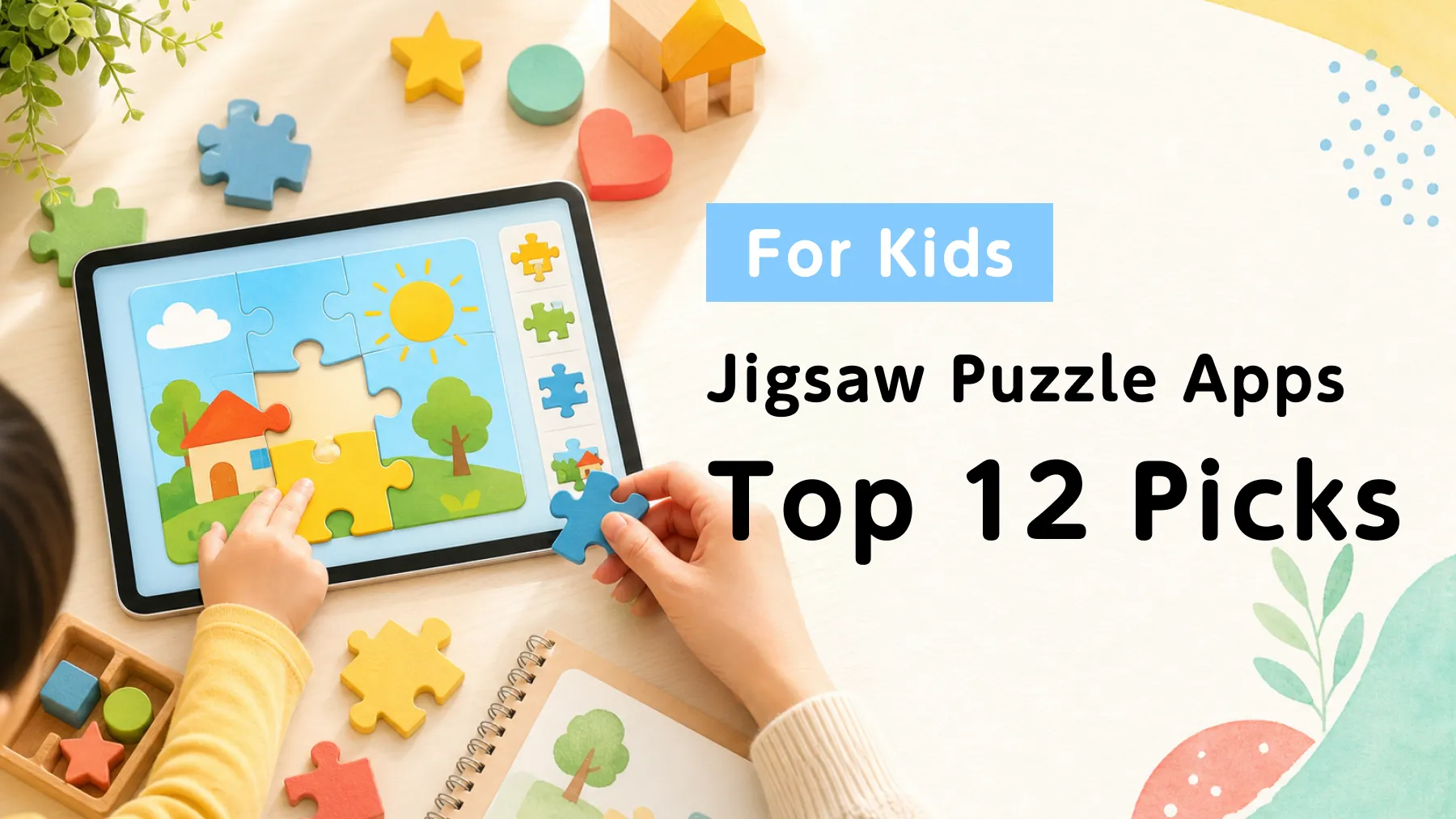
A current comparison of 12 kids’ puzzle apps, including direct store links, price models, ad disclosures, age guidance and safer device settings.