Screen-Time Guilt? 5 Small Ways to Make It Shared Family Play
Sometimes a phone helps you cook dinner or take a needed breath, yet you still feel guilty afterward. Rather than judge a whole day by one screen moment, try five small ways to make the next one more intentional and easier to end.
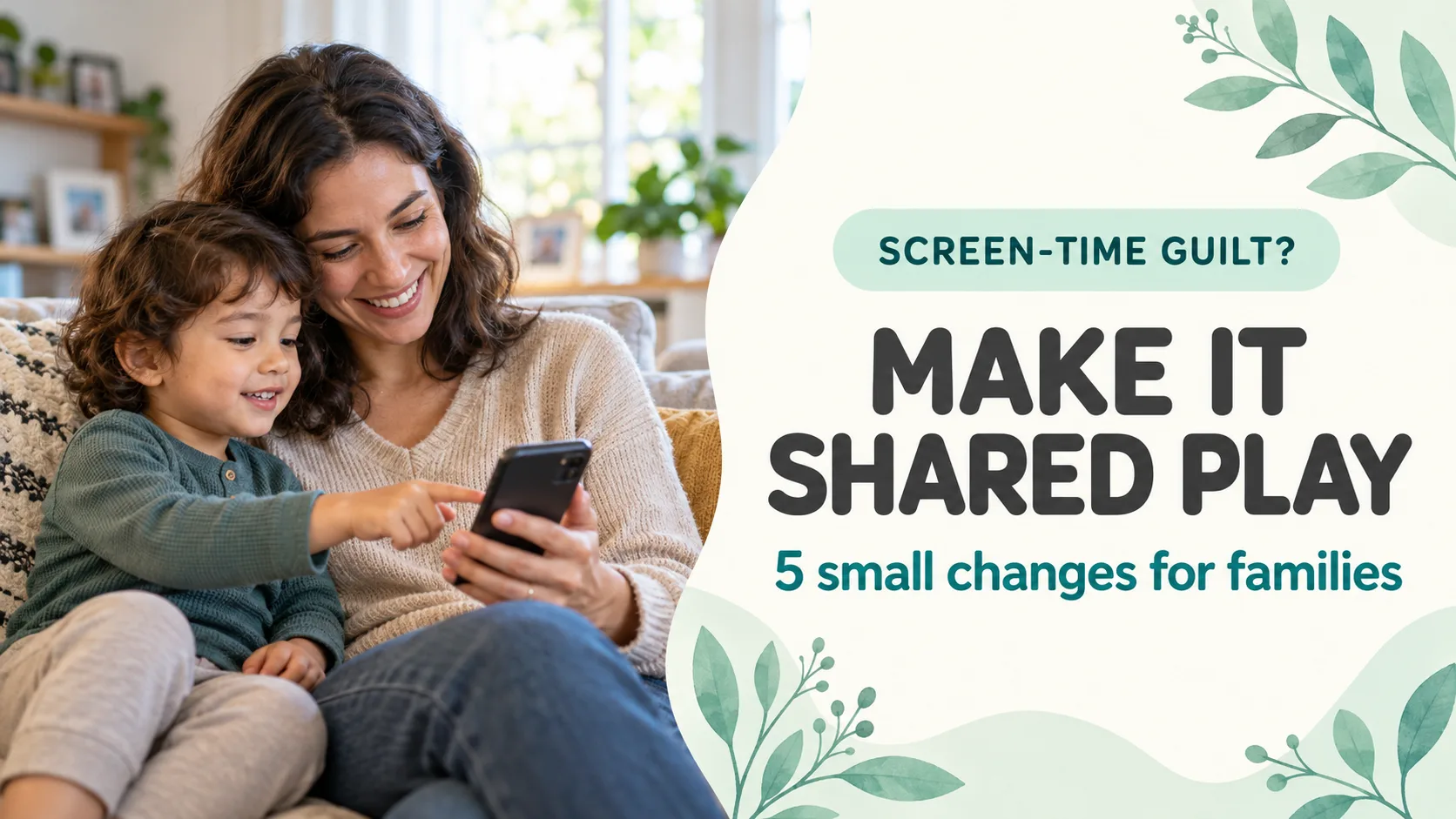
Published and information checked: . Written by 39Kids, the developer of PhotoPuzzle. This is general family-media guidance, not personal medical advice. The cover is an AI-generated scene, not an app screenshot.
One screen moment does not define you as a parent. Asking what it was for, whether you connected at all and what happened next is more useful than replaying the guilt.
This guide is about parental guilt and small ways to share screen time. If stopping videos is the main struggle, see our separate guide to ending a YouTube session.
Look at the whole day, then change one thing next time
A phone can help while you make dinner or rest. It is also worth noticing if media regularly crowds out sleep, meals, movement or time together. The American Academy of Pediatrics (AAP) family media plan encourages rules that fit real routines, screen-free times, attention to ads and autoplay, and room for offline activities.
- Purpose: Name what this screen moment is for.
- Connection: When possible, ask one question together.
- Ending: Decide what comes next before you start.
You do not have to get all three right every time. Pick one that fits the next moment you actually have.
Three questions that are kinder and more useful than a guilt spiral
Counting minutes can be part of a plan, but it cannot tell you why the phone was needed or how the session ended. Try separating those pieces.
| Look at | Ask yourself | Small next step |
|---|---|---|
| The moment | What did the phone help us do? | Keep it for a specific need |
| The content | What did my child see or do? | Check suitability and ads |
| Before and after | Could we return to meals, sleep or play? | Choose an ending and next activity |
A single difficult day is not a scorecard. Look for patterns you can change without making your family’s life harder.
Five small ways to make screen time more shared
1. Say what you are opening before you unlock
Choose one purpose: “Let’s look at one picture” or “Let’s hear one song.” A clear purpose makes it easier for both adult and child to know when the activity is over. If the phone helps while you finish a task, say that simply.
2. Ask one question about one photo
Open a picture your child likes and ask, “Do you remember that red hat?” The AAP encourages playing and exploring apps together as a way to start conversations. This can begin with one question, not an elaborate lesson.
3. Agree on a visible ending before starting
One photo or one puzzle round is easier to understand than “a little while.” You can still stop if it is time for a meal, even with an unfinished game. If you hand over your device, our one-app phone-settings guide explains an extra device-side safeguard.
4. Carry one screen idea into offline life
After seeing a pet photo, greet the pet. After a family picture, tell a one-sentence story about that day. If you are too tired for a new activity, close the screen and share a single thought. The bridge can be tiny.
5. Make a family rule adults can follow too
Try one shared rule, such as putting devices away at meals or choosing another activity before bed. When it fails, ask what made it hard rather than blaming one person. Revisit the rule as family routines change.
A one-photo example: play four pieces, then talk
If you use PhotoPuzzle, let your child choose one of two photos and try one four-piece puzzle. Ask, “Which color goes next?” When you finish, put down the phone and ask where the picture was taken. You can have the same conversation with no app at all.
39Kids develops PhotoPuzzle. Its App Store and Google Play descriptions, checked October 30, 2026, list four-piece puzzles and no ads or in-app purchases. For questions about photos, see our photo-app privacy guide.
Leave room for sleep, movement and time away from screens
The World Health Organization’s guidance for children under five recommends no more than one hour of sedentary screen time per day for ages three to four, with less being better. It also emphasizes physical activity and sleep. The hour is not a guarantee that any content or routine is beneficial.
Some days will not go to plan. If sleep, meals or behavior remain a concern, speak with family support or your child’s health professional. A realistic plan should include how the adults get a break, too.
Screen-time guilt: frequently asked questions
Did I fail because my child used a phone alone today?
One moment does not define your parenting or the whole day. Consider why you used it, what your child watched or did, and whether sleep, meals and active play still had room. Choose one realistic change for next time.
How many minutes of screen time are right for a three-year-old?
WHO recommends no more than one hour of sedentary screen time per day for ages three to four, with less being better. The number is not a guarantee about any particular app or day; content, context, sleep and active play also matter. Ask your child’s clinician if you have an ongoing concern.
What if I cannot sit beside my child every time?
You do not have to co-play for the entire session. You might choose the content before handing over the device and ask one question when you reconnect. On a demanding day, keep the plan simple and try shared play when you have room for it.
Will switching from videos to a puzzle app solve the guilt?
An app is still screen time, and a swap alone does not solve a family routine. A four-piece puzzle can be one clearly bounded activity, followed by a conversation about the photo away from the screen. It is an option, not a cure.
My child cries when it is time to stop. What can I try?
Give a short warning before the agreed stopping point, acknowledge the feeling and move to a prepared next activity. If ending videos is the main challenge, our separate YouTube guide covers autoplay and transition ideas in detail.
Is it safe to use a child’s photo in a puzzle app?
Check photo permissions, the app’s data handling, any device cloud sync and your own sharing choices separately. Respect the wishes of people in the picture. You can choose a pet, toy or built-in image instead of a face photo.
Takeaway: make the next screen moment a little more intentional
Instead of blaming yourself for using a phone, choose a purpose, a question you can share and a simple ending. Some days that will be a family photo, some days a short app session and some days no screen. Adjust one workable family rule at a time.

PhotoPuzzle
Choose one photo together and begin with four pieces. An app can be a conversation starter, not a cure for guilt. Free on iPhone, iPad and Android.