What to Do With Shichi-Go-San Photos: 7 Family Ideas
The kimono portrait, shrine visit, family group and candid smiles are beautiful—but the files can still sit untouched on a phone or in a studio download folder. You do not need to organize every image. Pick seven, then turn them into conversation, play and a small record your child helped create.
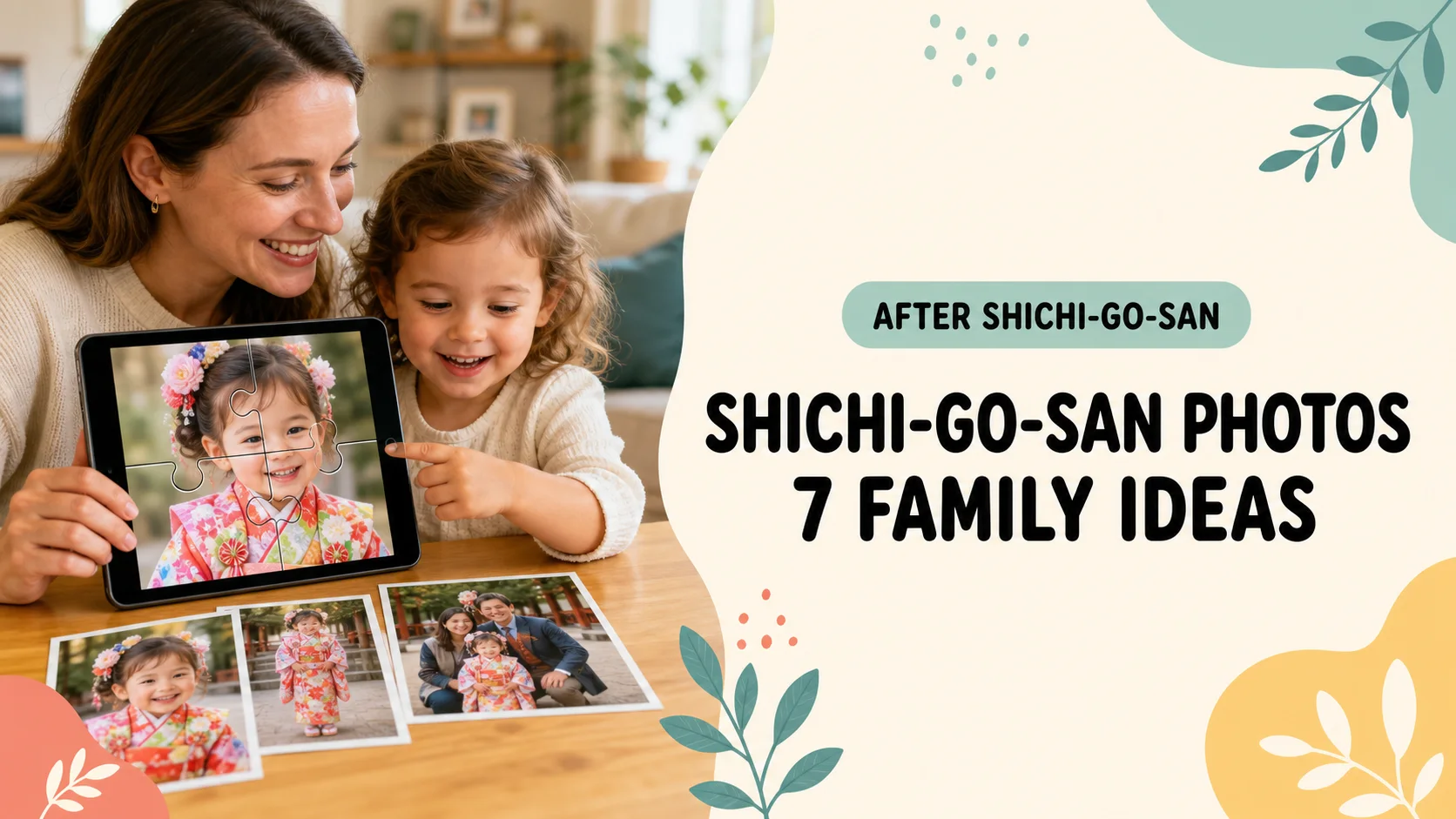
A Shichi-Go-San day can produce a full-length outfit portrait, close-ups, the shrine or outing, extended-family groups and dozens of near-identical expressions. Add a studio gallery to phone photos and the collection quickly becomes too large to revisit.
This guide does not ask you to edit, print and delete everything at once. The first goal is to choose seven photos your child can talk about today, then give each image a simple purpose.
Studio-delivered images may have separate terms for private viewing, editing, public posting and redistribution. Check the delivery agreement before sharing them; choosing a private family set can come first.
What you will learn
- How to select seven Shichi-Go-San favorites in ten minutes
- Seven ways to turn the photos into stories, questions and play
- How to separate activity copies from high-resolution originals
- What to check before family sharing or social posting
- A three-day plan that keeps the project manageable
Official cultural and online-privacy guidance was rechecked on August 29, 2026. Follow the rules of your shrine, photography studio, rental provider and location whenever they are more specific.
Shichi-Go-San photos can preserve more than a formal portrait
Shichi-Go-San literally means “seven-five-three.” Japan’s Ministry of Foreign Affairs educational site, Kids Web Japan, describes it as a day to pray for young children’s healthy growth. It is associated with November 15, although families often celebrate on a nearby weekend and customs vary across regions and households.
Beautiful clothing and portraits are visible parts of the celebration. The day also carries smaller family memories: a child concentrating while getting dressed, holding a parent’s hand, noticing a long chitose-ame candy bag, or relaxing after the final photo.
| What it preserves | Possible photo | Later use |
|---|---|---|
| Milestone | Full outfit or family portrait | Display, print, growth comparison |
| Story | Getting ready, visiting, going home | Sequencing and retelling |
| Child’s viewpoint | A favorite expression or detail | Photo quiz and caption |
| Family connection | Child with grandparents or siblings | Private sharing and gifts |
Spend the first ten minutes making a seven-photo album
Comparing almost identical expressions is tiring. Do not delete anything yet. Collect the useful story into one small album first.
Invite your child to choose two details or expressions they remember, then fill the remaining places with the day’s sequence. If seven feels like too much now, mark candidates and come back later.
- 1. Group photos into event, portrait, and family moments
Separate the shrine or outing, full-length and expression portraits, and time with relatives. Similar frames become easier to compare. - 2. Ask your child to choose two favorites
Their picks may not be the formal portraits, but they often reveal which details and moments the child actually remembers. - 3. Put seven images into one named album
Create “Shichi-Go-San Favorites” and leave the complete deletion and design project for another day.
| Photos | Choose | Chosen by |
|---|---|---|
| 1 | Full outfit | Parent and child |
| 1 | Most natural expression | Child |
| 1 | Family portrait | Parent |
| 1 | Shrine or outing scene | Parent |
| 1 | Hair ornament, clothing detail or candy bag | Child |
| 1 | Getting ready or winding down | Parent |
| 1 | A free family choice | Everyone |
Keep the photos your child selected. An adult may see a crooked sandal or an imperfect smile. The child may see the exact moment that made the day memorable.
Seven ways to enjoy Shichi-Go-San photos as a family
1. Put three photos into beginning, middle and end
Mix one getting-ready photo, one celebration moment and one after the event. Ask your child to restore the order and tell you what happened between the pictures. Three visible prompts are often easier than “Tell me about the whole day.”
2. Play a “who, where, what” photo quiz
Zoom in on a hair ornament, fabric pattern, candy bag or part of the setting. Let everyone guess, then ask, “What helped you know?” The goal is close observation and shared memory, not keeping score.
3. Compare the celebration with an earlier family photo
Look for the same smile, family pose, favorite color or personality—not only height and skills. “You still make that face when you are excited” preserves something a measurement cannot.
4. Turn one favorite into a four-piece photo puzzle
Let the child choose the image, then begin with four pieces. Colorful clothing gives useful clues, but very detailed fabric can also make the image harder. Finish by showing the original and asking which clue helped first.
PhotoPuzzle processes the image on the device and offers 4, 9, 16, 25 and 36 pieces. It is free, with no ads or in-app purchases.

5. Save one sentence in your child’s own words
Add one authentic line: “The sleeves were heavy,” “Grandma came with us,” or “The candy bag was very long.” A single sentence can restore the feeling around a polished portrait years later.
6. Send grandparents one photo plus one sentence
A set of thirty images can be hard to respond to. Send one to three with the child’s comment, then answer the questions that come back. For an activity families can share at a distance, see our free Grandparents Day photo-puzzle guide.
7. Display one “photo of the year” and save six together
Let your child help choose one picture for a frame. Keep the other six in a mini album or a small book plan. Displaying, archiving and playing do not have to use the same file or format.
| Idea | Photos | Setup | Best for |
|---|---|---|---|
| Three-part story | 3 | 1 minute | Retelling the day |
| Photo quiz | 1–3 | 1 minute | Looking closely |
| Then-and-now match | 2–4 | 3 minutes | Talking about growth |
| Photo puzzle | 1 | About 1 minute | Short shared play |
| Child’s caption | 1 | 2 minutes | Preserving their voice |
| Grandparent update | 1–3 | 2 minutes | Connection at a distance |
| Display or mini album | 1–7 | Later | A physical keepsake |
Choose photos that are easy to discuss and play with
The technically best print and the easiest activity image are not always the same. For play, look for a photo that meets at least two of these conditions:
- Your child appears large in the frame and is easy to find
- The clothing contrasts with the background, creating visible puzzle clues
- A distinctive detail is present, such as a hair ornament or candy bag
- Your child remembers the surrounding moment and wants to discuss it
- Unrelated visitors are not prominent, simplifying family sharing
Crop closer when the outfit contains a very detailed pattern
A beautiful all-over textile can create many similar-looking areas on a small screen. Make the face and upper body larger, then start with four pieces. If the child still gets stuck, place most of the puzzle and invite them to add the final piece.
Our guide for when a 3-year-old cannot do or does not like puzzles explains how to lower the difficulty without turning the activity into a test.
Offer two photos instead of choosing for the child
Ask, “Which photo would you like to play with?” A small choice gives the child ownership while avoiding an overwhelming scroll through the complete camera roll.
Separate originals, favorites and sharing copies
A high-resolution studio download, a phone-friendly favorite and a cropped social image have different jobs. Avoid repeatedly editing or overwriting the only original.
| File group | Purpose | Check |
|---|---|---|
| Originals | Future prints and edits | Keep high resolution; do not overwrite |
| Seven favorites | Conversation and play | Use a searchable album name |
| Sharing copies | Messages and social posts | Crop identifying details; review audience |
| Print picks | Frames and photo books | Check resolution and studio license |
Verify a recoverable copy before deleting a large group
Seeing the same photo on several synced devices does not necessarily mean you have separate backups. Before deleting, check that studio downloads are complete and open an original from another device or web interface.
- Check the studio gallery’s download deadline and re-download policy
- Open one original from storage outside the phone
- Read how deletion affects other synced devices and the trash period
- If the setup is unclear, stop after making the seven-photo album
Apple’s iCloud Photos guide, for example, explains how images stay updated across devices signed into the same Apple Account. Check the current instructions for the service your family actually uses.
The same light first-pass method works for school events. See our guide to choosing seven Sports Day or Field Day photos in ten minutes.
Five checks before family sharing or social posting
A Shichi-Go-San photo may reveal a child’s face, relatives, location, routine and other visitors. A direct family message and a public social post should not receive the same automatic treatment.
- Ask your child which picture they are comfortable sharing and with whom
- Follow location rules for shrine grounds, prayer areas, studios and rented outfits
- Check other people and crop or cover unrelated identifiable faces
- Remove location clues such as signs, addresses, plates and embedded location data
- Review the real audience, including whether an album or link is public
The Australian Government’s eSafety Commissioner guidance on children’s privacy recommends involving children in decisions, reviewing privacy settings and using direct sharing with trusted people where appropriate. It also advises checking with other parents before posting images that include their children.
PhotoPuzzle processes the selected photo on the device. The image is not uploaded to an external server or cloud for puzzle creation. Your device backup, photo-sync settings and any separate sharing app still need their own privacy review.
A three-day plan after the Shichi-Go-San photos are taken
Day one: let your child favorite two photos
If everyone is tired, stop there. Check only whether the studio gallery has a download deadline.
Day two: make the seven-photo album and try one activity
Add five adult choices, then choose a sequence, quiz or four-piece puzzle. End after one finished activity. Our comparison of a free photo-puzzle app, DIY craft and print services explains the options.
At the weekend: separate keep, display and share
Verify the original files, choose one photo to display, select one to three for grandparents, and note the print candidates. The detailed cleanup can wait for another open hour.
Frequently asked questions about Shichi-Go-San photos
What is Shichi-Go-San?
Shichi-Go-San means seven-five-three. Families in Japan celebrate the healthy growth of young children, commonly around November 15, with customs that vary by region and family. Shrine visits, special clothing and family photographs are common but not required in exactly the same form.
How many Shichi-Go-San photos should I keep?
There is no correct number. Begin with seven photos to revisit with your child, then keep one to three representatives from each wider moment if that makes the full archive easier to manage. You do not need to finish every deletion on the same day.
Can I use studio photo files in an app?
Check the photography studio’s license and download terms. Personal family use, social posting, printing, public editing and commercial use may be treated differently.
How many puzzle pieces should I use?
Four pieces is a friendly first attempt for a preschooler. If the child finishes comfortably, keep the same photo and move to nine or sixteen pieces. Choose based on puzzle experience rather than age alone.
What should I check before posting a Shichi-Go-San photo?
Ask how your child feels, follow the shrine and studio rules, check for other identifiable people, remove names and location clues, and review the real audience. A private family message and a public social post are different uses.
Does PhotoPuzzle work offline?
Yes. Photo selection, puzzle creation and play happen on the device. The app has no ads or in-app purchases. It currently supports iPhone and iPad; the Android version is in preparation.
Seven photos are enough to begin using the memory
You do not need to finish a perfect archive before enjoying Shichi-Go-San photos. Choose seven with your child, then give them small roles: story, quiz, growth comparison, puzzle, caption, grandparent update and display.
- Make a seven-photo album before deleting anything
- Keep at least one image chosen by your child
- Separate high-resolution originals from sharing copies
- Treat direct family sharing and public posting as different audiences
Start with one favorite and a four-piece puzzle, then ask, “What do you remember most about this day?”
Turn one family photo into a free activity
PhotoPuzzle
Choose a Shichi-Go-San photo and make a 4- to 36-piece puzzle. No ads, no in-app purchases, and offline play.