7 Quiet Activities for Kids in a Hospital Waiting Room
Waiting for your child’s appointment can feel long. These seven quiet ideas use no supplies, one slim activity or an app prepared with its sound off, so you can adapt to how your child feels.
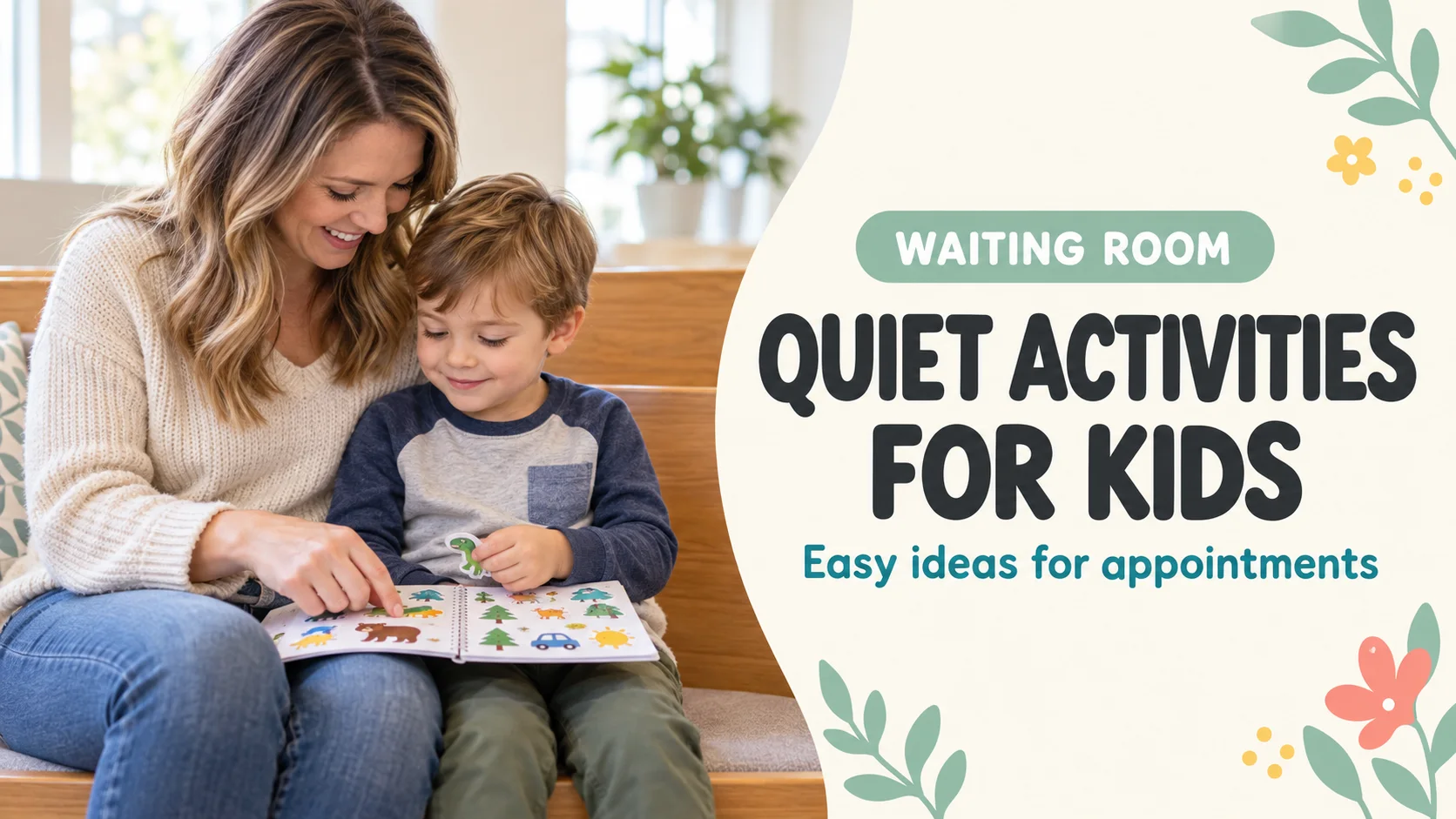
Published and information checked: . Written by 39Kids, the developer of PhotoPuzzle. Follow the facility’s rules on devices, food and photography. These are activity ideas, not medical instructions. The cover is an AI-generated image. Practical guidance was updated on October 7, 2026.
Pack two or three quiet choices rather than one activity that has to fill the entire wait. Point at a familiar photo, look through a slim book or use a sticker page. Choose based on how your child feels that day.
After check-in, begin with something you can stop at once, such as looking at one photo. As the call approaches, avoid a new activity that scatters pieces. Follow the facility’s guidance for shared toys and let rest—not entertainment—be the plan if your child feels unwell.
Appointment calls and staff instructions come first. A child who feels unwell or nervous may not want to play at all. Sitting together and resting is an option too.
Three things to prepare before checking in
- 1. Check the facility's guidance
Find out where to wait and whether devices, food or photos are restricted. Ask at reception if you are unsure how you will be called. - 2. Keep supplies slim and contained
A small book, reusable sticker page and mini notepad fit together in one bag. You do not need many loose pieces that can fall across the floor. - 3. Try the sound and photo on your device
Turn down media volume and use the app’s actual controls to confirm it stays quiet. Check that any picture you plan to use opens before you leave.
Do not rely on snacks as the main plan. Follow any instructions from the clinic about eating or drinking before an appointment or test.
Seven quiet activities for a hospital waiting room
1. Point to details in a photo from home
Show one saved picture of your family, a pet or a toy. Ask your child to point to a red shirt or find the toy's wheels. They can answer without speaking. Use an existing picture on your device; do not photograph other people in the waiting room.
2. Play “find it” with a small picture book
A slim book does not need a full read-aloud. Point to a picture and invite your child to find the same color or shape on the page. Close it as soon as your name is called.
3. Use a reusable sticker page
Choose a page where stickers can be moved within its own backing sheet. Make a row of animals or group things by color. Keep stickers on your own page, not on the clinic's furniture.
4. Draw a tiny maze or dot-to-dot
Use one pencil and a small notepad on your lap. Sketch a simple path and let your child trace it. A single line is enough if they are tired; there is no need to finish the drawing.
5. Trace a shape on a palm
Draw a circle or triangle lightly on your child's palm with a finger, then let them trace one back. It needs no supplies or screen and can be played silently. Switch activities if your child does not want to be touched.
6. Choose between two favorite photos
Show just two pictures taken earlier. Your child can point to the one they want to revisit on the way home. Toy or flower pictures work if you prefer not to show family faces in public.
7. Try a photo puzzle after checking the sound
If devices are allowed, a familiar photo can become a short puzzle. PhotoPuzzle starts at four pieces and offers built-in sample images. It has sound effects, so lower media volume and test the actual activity at home before using it in a quiet space. Also test selecting and completing a puzzle offline if you expect no connection.
What to pack and how quickly you can stop
| Activity | Supplies | When your name is called |
|---|---|---|
| Palm tracing | None | Stop immediately |
| Book, stickers or small drawing | Slim book, sheet or pencil | Close and put away |
| Photo questions or puzzle | A prepared phone or tablet | Close the screen |
You could start without supplies, switch to a book, then consider a screen later. The order can change. If your child becomes tired or uncomfortable, set the play plan aside.
Prepare an app for quiet use
Do not assume that your device's silent mode will mute every game. Lower media volume and test the app while actually playing. Follow the facility's rules about device use and headphones. A parent should be able to notice a call from staff while the screen is open.
For PhotoPuzzle, choose a photo or built-in sample and finish a four-piece puzzle at home once. This avoids searching through settings at the clinic. A picture stored only in the cloud might not load without a connection. Our PhotoPuzzle guide explains the controls and offline preparation; our travel guide has more offline play tips.
There is no need to take a new photo inside the hospital. Use one prepared earlier so that other patients and clinic information are not captured.
If the wait runs longer, offer one small next choice
An appointment time does not tell you exactly how long the wait will be. Instead of promising “only five more minutes,” offer something you can finish quickly: “One picture?” or “One page?” A small unit makes it easier to leave when called.
If your child feels worse, you do not have to keep them busy. Let staff know when symptoms or your child's condition change, or when you need help with where to wait.
Frequently asked questions about waiting-room play
Can children use a phone in a hospital waiting room?
Rules about devices, connections and photography vary by facility. Follow posted rules and staff instructions. If using a phone is allowed, keep it quiet and stay aware of your name being called.
Will silent mode always mute game sounds?
Sound behavior varies by device and app. Lower the media volume and test the actual game controls before leaving home. A picture book or sticker page is a useful alternative when you cannot confirm the sound.
Can we use a photo puzzle without Wi-Fi?
PhotoPuzzle works offline with pictures available on the device and built-in samples. A photo held only in cloud storage may need to download first. Test the whole selection-to-finish flow at home without a connection.
Should I bring snacks to pass the time?
An appointment or test may come with instructions about eating and drinking. Follow the clinic’s guidance, and do not make snacks your default waiting-room plan when you have not checked the instructions.
What if my child does not want to play?
A child who feels unwell or worried may not want a usual activity. It is fine to stop, sit together or offer comfort without a game. Tell staff if symptoms or your child’s condition change.
Should I take photos in the waiting room for the game?
Photography may be restricted and could affect other patients’ privacy. The photo activities here use images taken at home or built-in samples. They do not require new photos at the clinic.
A small set of quiet choices is enough
A photo, a book, a sticker sheet or a no-supplies palm game gives you several ways to adapt. If you bring an app, check the facility's rules and prepare the sound and picture at home.

PhotoPuzzle
Make a short four-piece puzzle from a prepared photo or built-in sample. Check the sound at home before playing in a shared space.